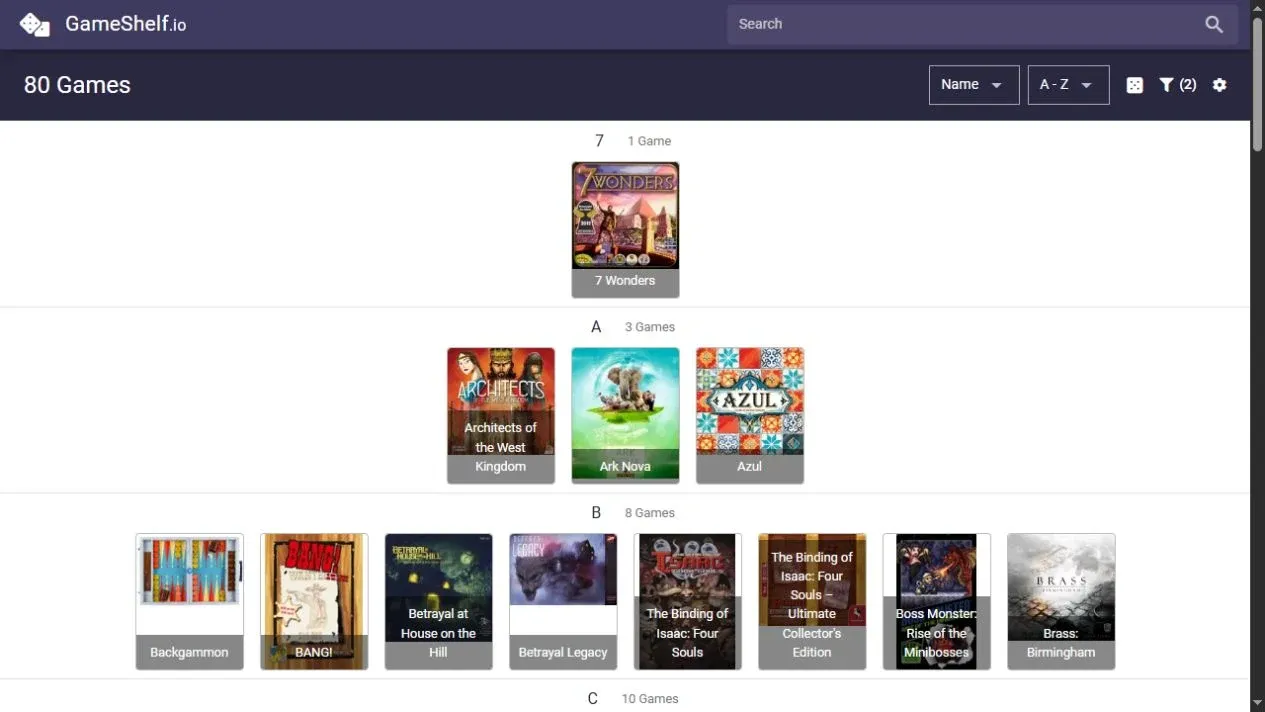
My friends and I have a bunch of board games and it’s nice being able to keep track of them. However, this can become a little cumbersome, so a great suggestion, whether you’re in a group or just on your own, is as follows: BoardGameGeek and GameShelf. One place to keep track of the games, and a nice way to look through them when it’s time to pick something. Or just to showcase or flex to others!
The little setup
On BoardGameGeek, add each of your board games to your collection and tick Owned.
Then open GameShelf and enter your BGG username. Your collection is already there. Keep it updated on BGG, and use GameShelf to browse it. That’s the setup.
That’s really the whole recommendation. A little bit of setup, a better overview of what’s on the shelf, and hopefully an easier time getting something onto the table.